DASUNG Paperlike 13K (black & white) review
Shipping
I ordered the monitor 7th of may, just two days after Dasung had it in stock, and received it the 19th of may, in Norway.
When opening the package I expected more damping material to protect the monitor during shipping, but the monitor was not damaged at all so maybe it was good enough. Not an expert.
Adapter
The power cable has a Chinese plug, so you might have to get an adapter, depending on where you live.
First impressions
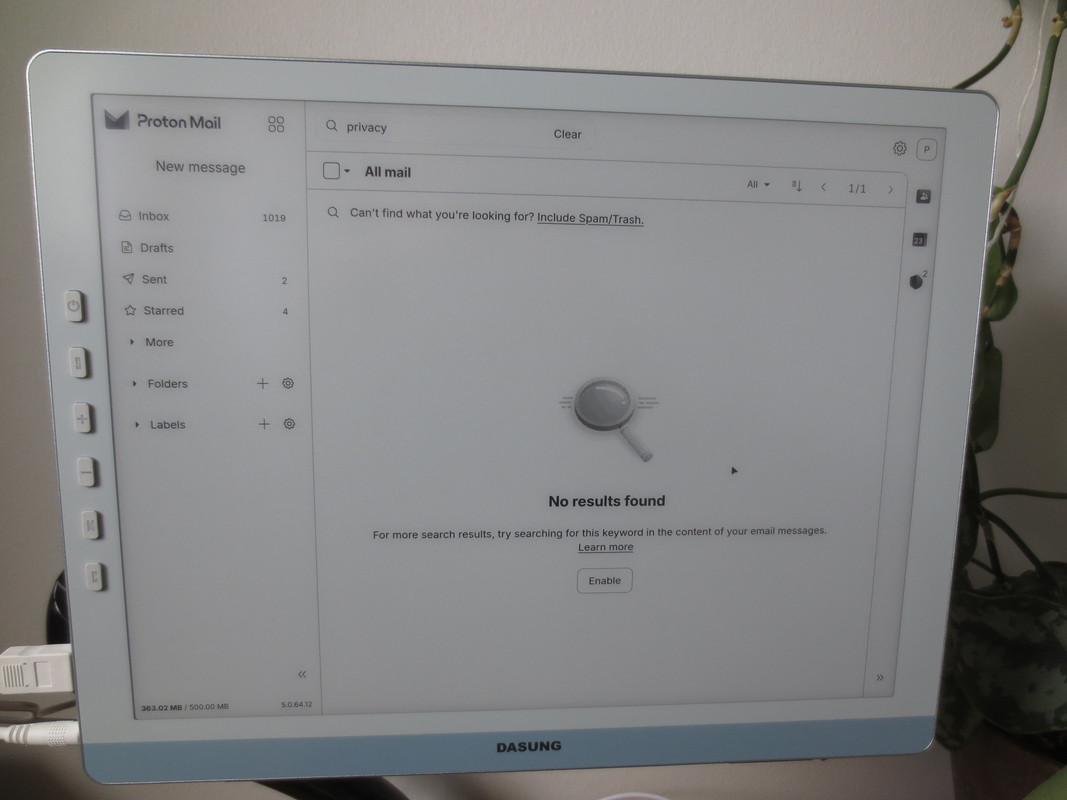
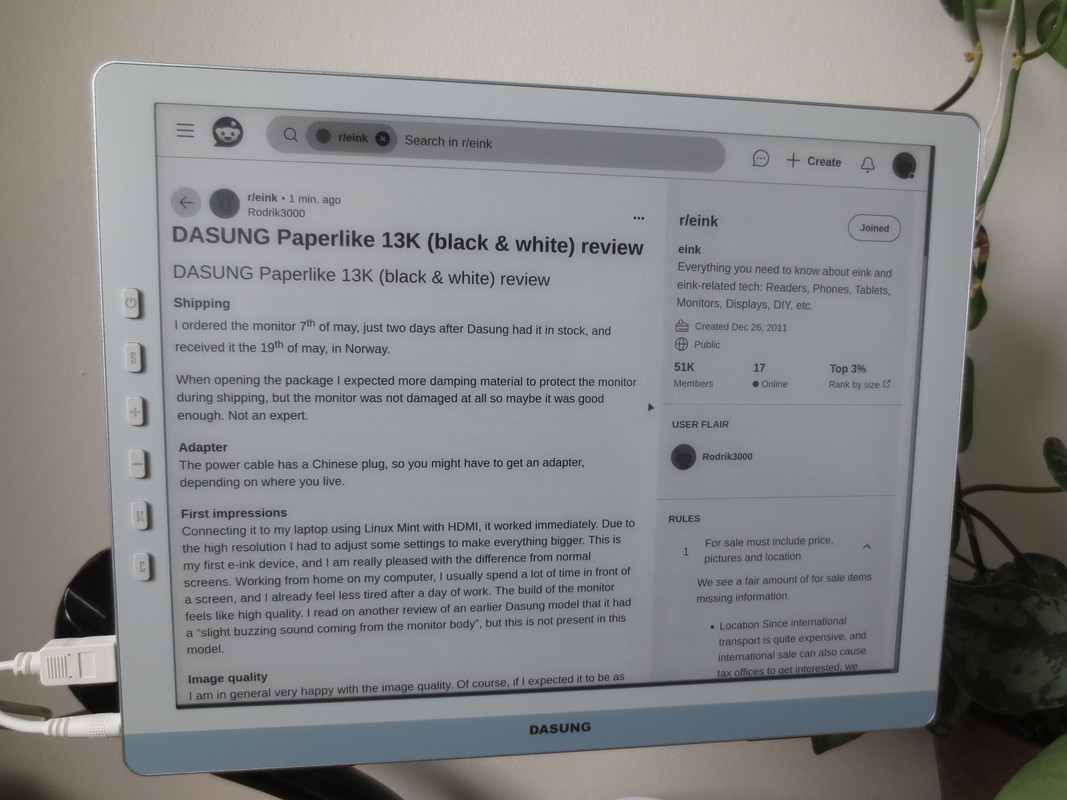
Connecting it to my laptop using Linux Mint with HDMI, it worked immediately. Due to the high resolution I had to adjust some settings to make everything bigger. This is my first e-ink device, and I am really pleased with the difference from normal screens. Working from home on my computer, I usually spend a lot of time in front of a screen, and I already feel less tired after a day of work. The build of the monitor feels like high quality. I read on another review of an earlier Dasung model that it had a “slight buzzing sound coming from the monitor body”, but this is not present in this model.
Image quality
I am in general very happy with the image quality. Of course, if I expected it to be as good as a standard LCD I would have been disappointed, but I was aware and prepared for the limitations of the e-ink technology.
Text is very sharp and very pleasant to read. Images and videos are not amazing. Many images look good enough, other not so much. For me this is not a problem, as I mostly work with text and don’t need amazing image quality. On occasions, I have to briefly look over my work on a normal LCD to see the pictures more clearly and to see the colors, but i can do 99 % of my work on the e-ink display.
Obviously, the monitor is dependent on good lightning conditions. My current, relatively average lightning conditions does not satisfy me 100% (unless its sunny outside), so I plan to buy a reading lamp.
Modes
I was expecting “text mode”, “video mode” and “graphics mode” like other models I have read reviews about, instead the modes are named M1, M2 and M3. I found that in M2 and M3, when pointing the mouse cursor over something large and grey, some strange visual artifacts occurred. The same happens with videos. Maybe there is a way to avoid this, and maybe this does not happen with every setup/operating system/settings/laptop. I don’t know. For now I am just using M1, and it works very well.
Ghosting
While e-ink technology itself is amazing, and the resolution on this display makes working with text an amazing experience, there is definitively ghosting present when doing more than just text. Especially large, dark images or when a website is alternating between dark and white backgrounds. But its not so bad in websites with small, or bright images.
It is supposed to have an auto-clear technology against ghosting. I did not try this yet, probably you will need the Dasung app for this. In another review of a previous model it was stated that “Using the PaperlikeClient app, you can set a number of seconds and the monitor (or the app) then triggers refresh every n seconds. In practice, this is quite annoying as it blanks the display for a moment”. I have not tested if this is still the case for this model.
Reducing ghosting
It seems to me like the more white there is on the screen, the less ghosting. So turn off dark mode and blue light filters – these are no longer needed anyways. Have the desktop background completely white. Go trough the settings in your computer and make everything as white as possible. In Firefox, there is a theme created specifically for e-ink: https://addons.mozilla.org/en-CA/firefox/addon/e-ink-light/
There is also the Firefox add-on Stylus, that can make backgrounds completely white and text completely black: https://addons.mozilla.org/en-CA/firefox/addon/styl-us/ Not every page will appear correctly, but so far most pages I tried it on looks very nice. And you can set the add-on to only affect selected websites. Here is the code I’m using:
* {
background-color: white !important; /* Changes background to white */
}
* {
color: black !important; /* Changes all text to black */
}
The monitor has a button to clear ghosting too, which I frequently use when doing other things than just text.
Screen size
I was happy to realize that a 13,3“ 4:3 screen actually has a larger screen surface than a 14” 16:9 screen. I’m happy with the screen size, but for me around 15-16” would be even better.
Refresh rate
The monitor is supposed to have 37hz, but for some reason my computer tells me in the display settings that it has only 27hz. Would be interesting to hear if anyone else has this too.
Turning off the monitor
The user manual informs me that improper shutdown may result in screen damage, and that I first have to turn it of with the button on the monitor, then unplug the power cable. Not really a problem, but what if power goes out? Probably the chance of damage due to improper shutdown is very low, and as long as it is done correctly 99% of times it should be fine? Just guessing here.
Portable stand
Briefly tested it. Was more stable than expected.
Magnetic cover
Worked well. According to a review on YouTube, a previous model had strange sounds when bending it. This was not the case here.
Magnetic nuts & VESA mount
This is my daily setup. I would feel more safe if it used something else than magnets, but the magnets are pretty strong. Just don’t be drunk around the monitor i guess.
Conclusion
Despite some downsides (mainly ghosting), I am very happy with the monitor, and have absolutely no regrets. Still having energy after a long day of work was definitively worth the high cost. Working with text, and browsing websites (unless they have a lot of dark pictures or dark backgrounds) is a pleasure.
Videos:
https://vimeo.com/1087123393/0aa861f6f6?ts=0&share=copy
https://vimeo.com/1087123545/52ea15f91d?ts=0&share=copy
https://vimeo.com/1087123861/0d42c97572?ts=0&share=copy